This release version contains a bunch of improvements that enhance the UX of the Threat Simulations from both the Admin & User Portal. Some of the main changes include:
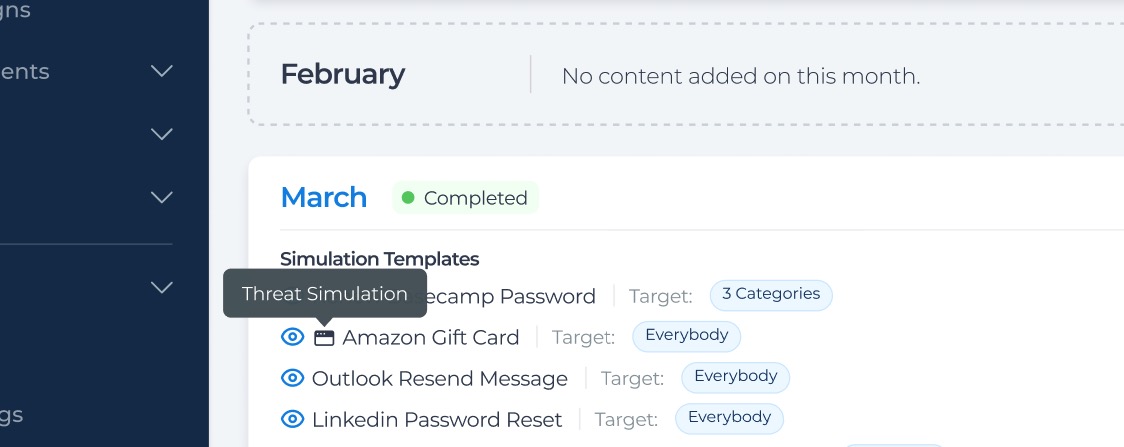
Clearer categorization in Program Schedules
Threat Simulations now appear under the “Simulation Templates” section, instead of “Training Assets”. We've also added a new icon next to the Threat Simulation name to easily distinguish them from Phishing Simulations. Threat Simulation Icon
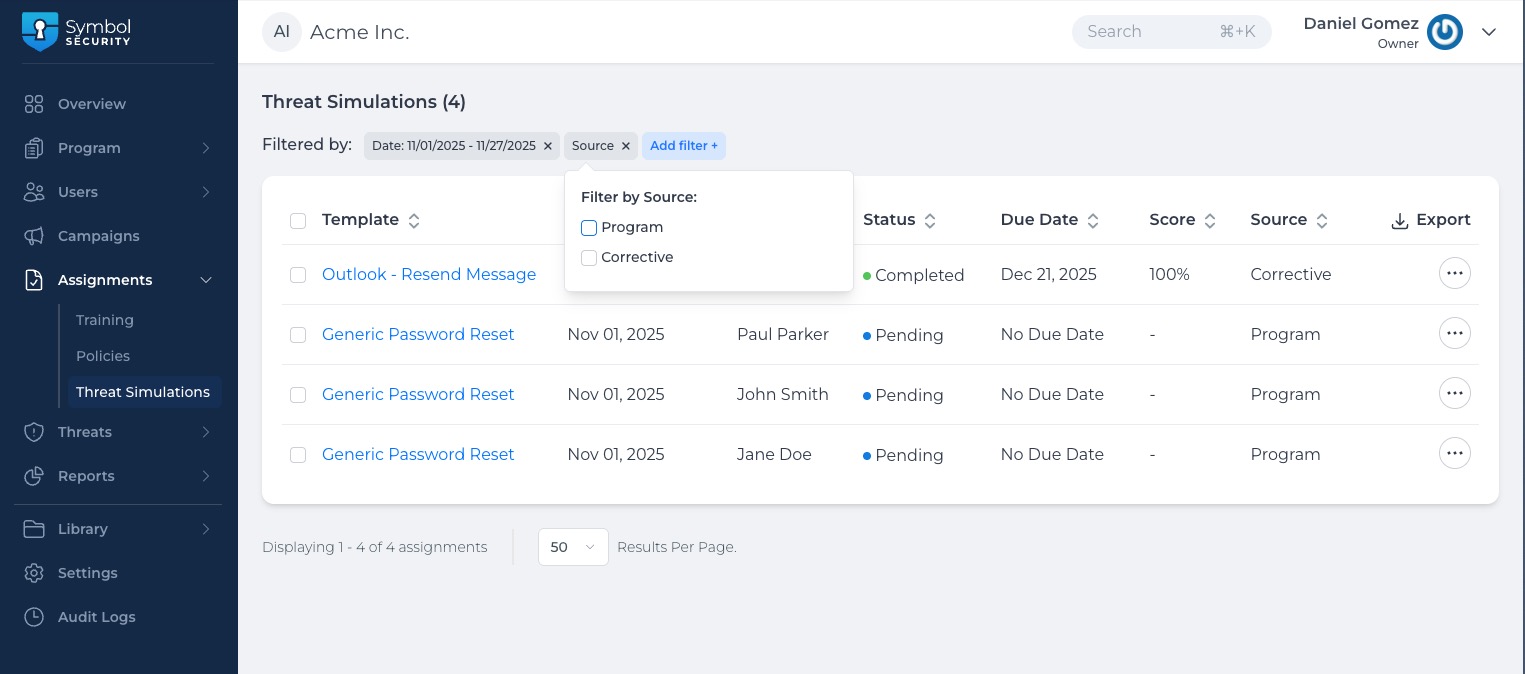
New view for “Threat Simulation” Assignments (Admin Portal):
All Threat Simulation assignments now live in a dedicated view with full filtering, exporting, due-date editing, and unassigning functionalities. This view can be accessed by navigating to the Company portal > Assignments > Threat Simulations. Threat Simulations (Admin Portal)
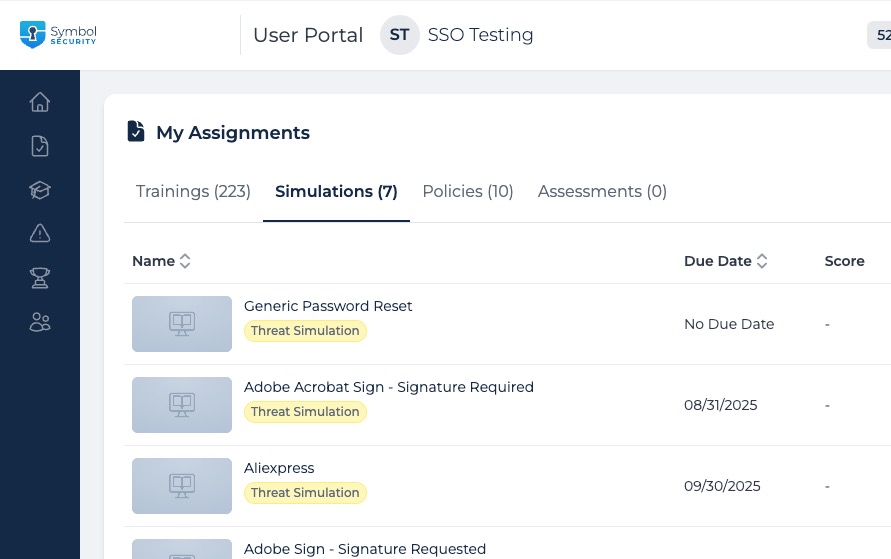
New tab for Threat Simulations Assignments (User Portal)
For easier navigation, users now see a new “Simulations”tab in "My Assignments" view, listing all their assigned Threat Simulations.Threat Simulations (User Portal)
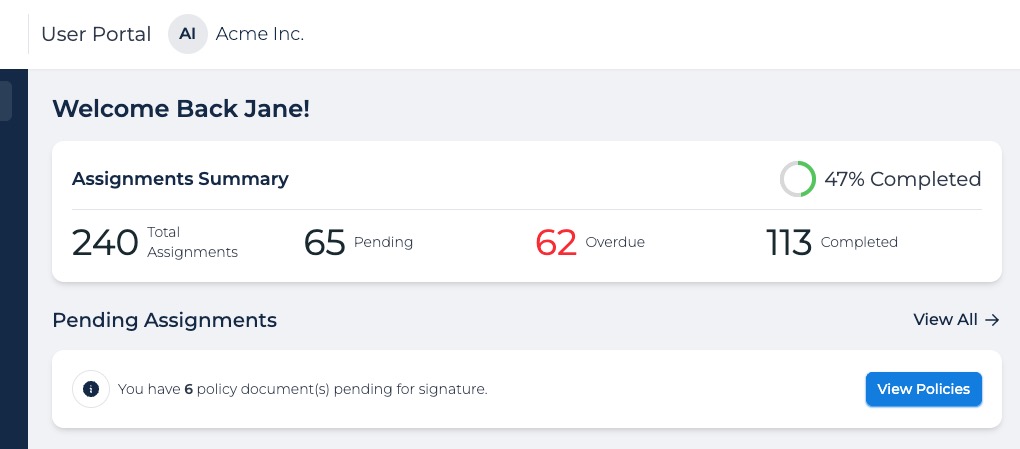
Enhanced Dashboard Page (User Portal):
The “Overall Progress”section of the User Portal Dashboard has been updated to include a summary of simulations along with courses, policies, and assessments. Before this release, it was only showing a training summary.Assignments Summary