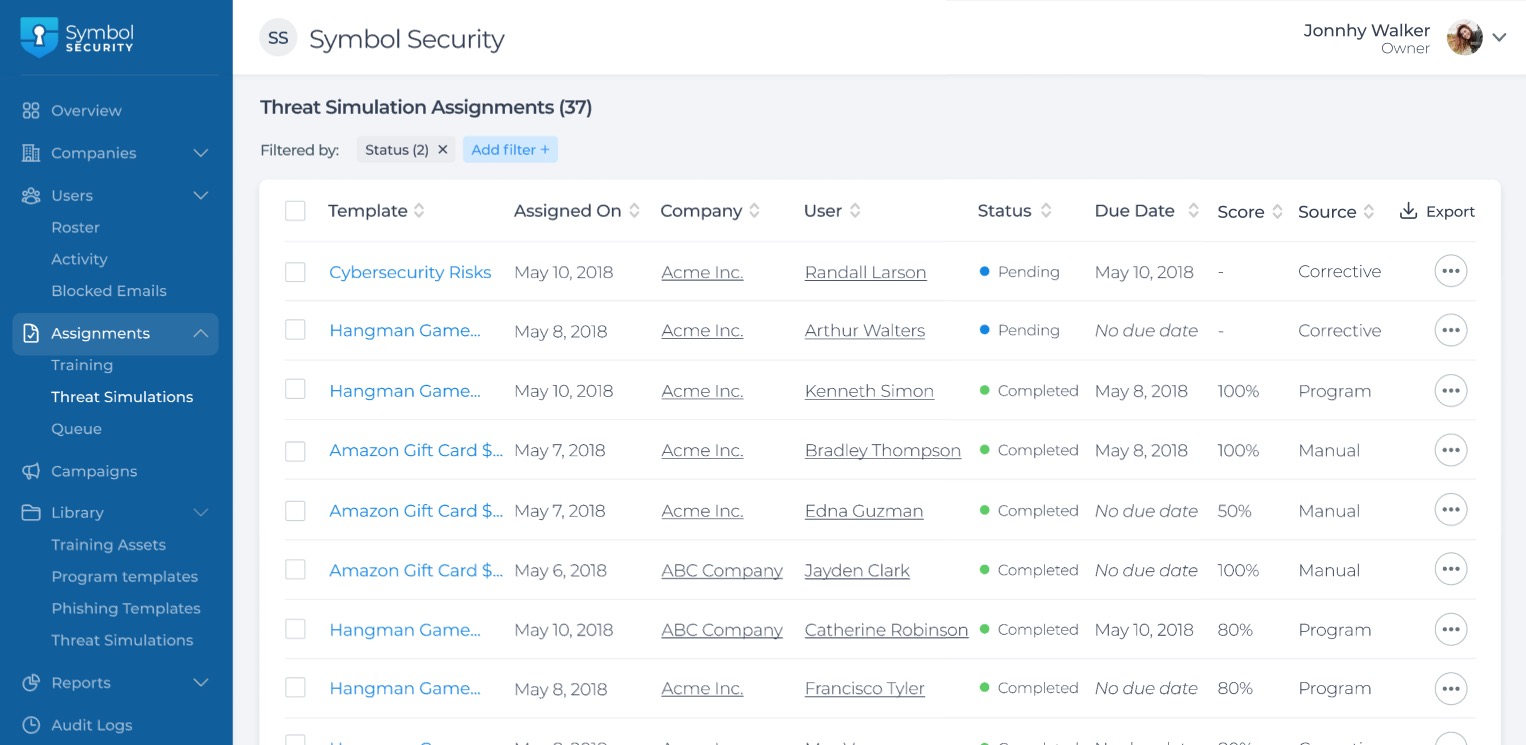
Now, from the command center, admins can see the list of threat simulations assigned through all their companies. By navigating to the left sidebar menu and clicking on Assignments > Threat Simulations, admins can see and perform the following actions:
Export the assignments list,
Unassign one or multiple Threat Simulations
Change the due dates for the Threat Simulation assignments.
Filter the assignments by multiple options, like Companies, Users, Templates, Status, Source, and more.Threat Simulation AssignmentsIn the next releases, we will be including the ability for admins to assign Threat Simulations manually.
⚒️ Other Improvements
We adjusted the jobs for assigning training courses to run more smoothly.
Fixed an error when trying to create new Training Schedules from the Command Center.